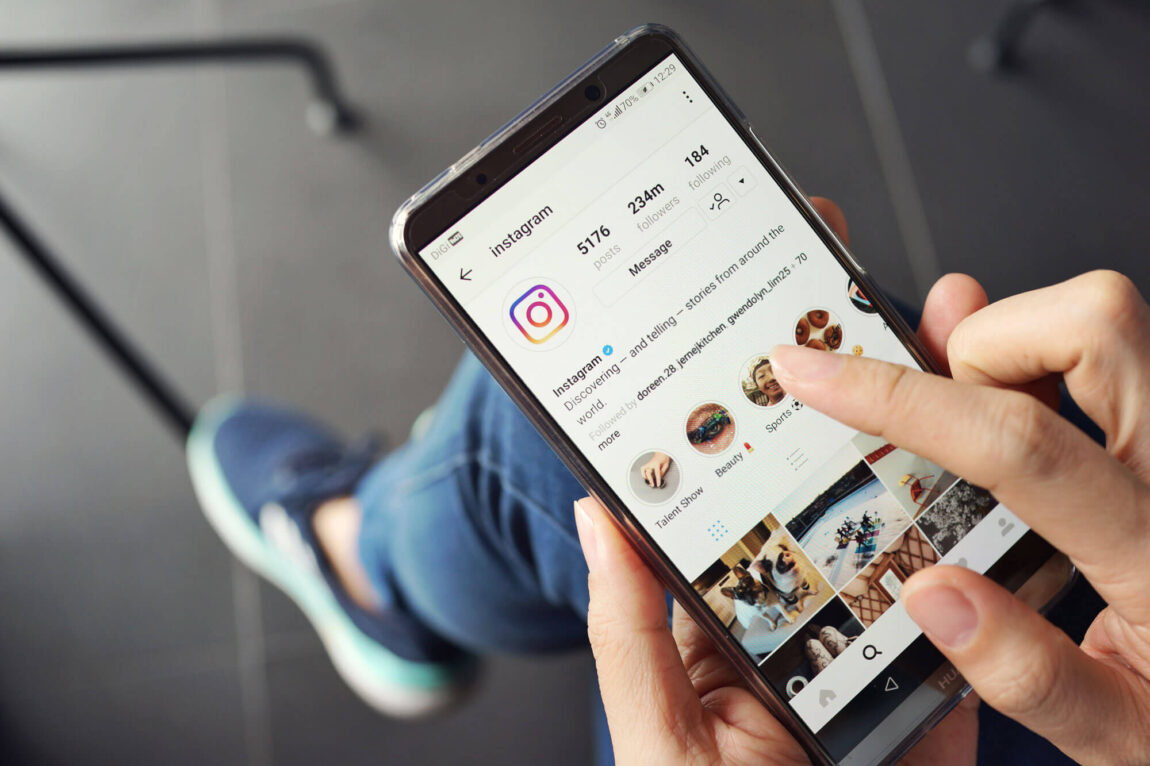
How to Use Instagram
Instagram is a social platform that focuses on photo and video sharing, and is used by a range of users all around the world. Every time you open the app, you will see your home feed. This shows recent posts from your followers, alongside suggested posts based on content you interact with.
Businesses can utilise Instagram as a platform to increase visibility, reach customers and share their products and services.
For businesses, there are extra steps to think about, such as:
- Converting your account to a business one
- Defining your target audience
- Creating a content calendar plan
- Tracking the right performance metrics to help with future planning
Related articles

Welcome to Business Tapas!
Welcome to Business Tapas! Your ultimate resource for business growth and development.
Whether you need help with business management, marketing, design, social impact, and more – we’ve got it. This central knowledge hub is designed for companies of all shapes and sizes, at all stages of their journey. From large enterprises, start-ups, and not-for-profit organisations (incl. charities) alike, Business Tapas can point you in the direction of support and advice that is tailored to you.
How does it work?
Register your details to create an account and access the customisable feed. Choose your interests to create your bespoke social feed and use the bookmark feature to keep track of the content most important to you. Once that’s done, it’s just a case of beginning your discovery of the vast amount of content available at your fingertips.
Business Tapas is here to educate, elevate and empower you and your organisation… so what are you waiting for? It’s time to devour some knowledge!
Don’t forget to interact with the articles and share your most interesting insights!
Create a profile today, and tuck in!